Bank statement PDF to Excel converter that never uploads your statement
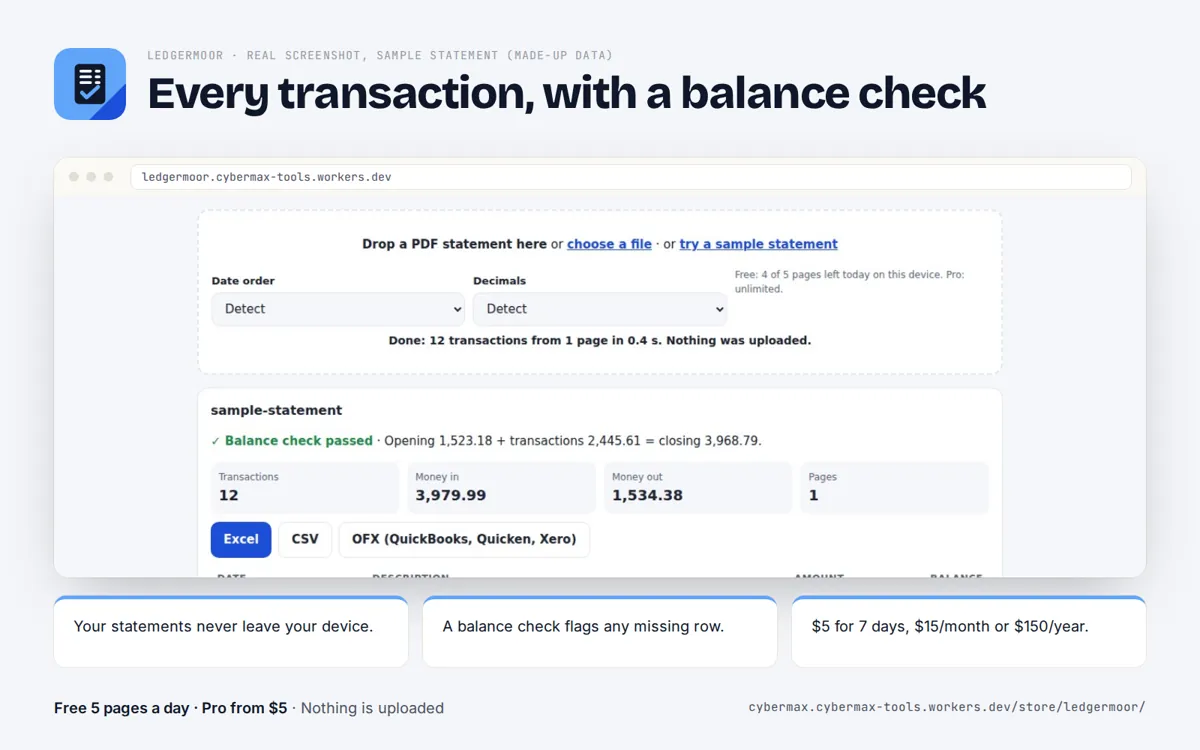
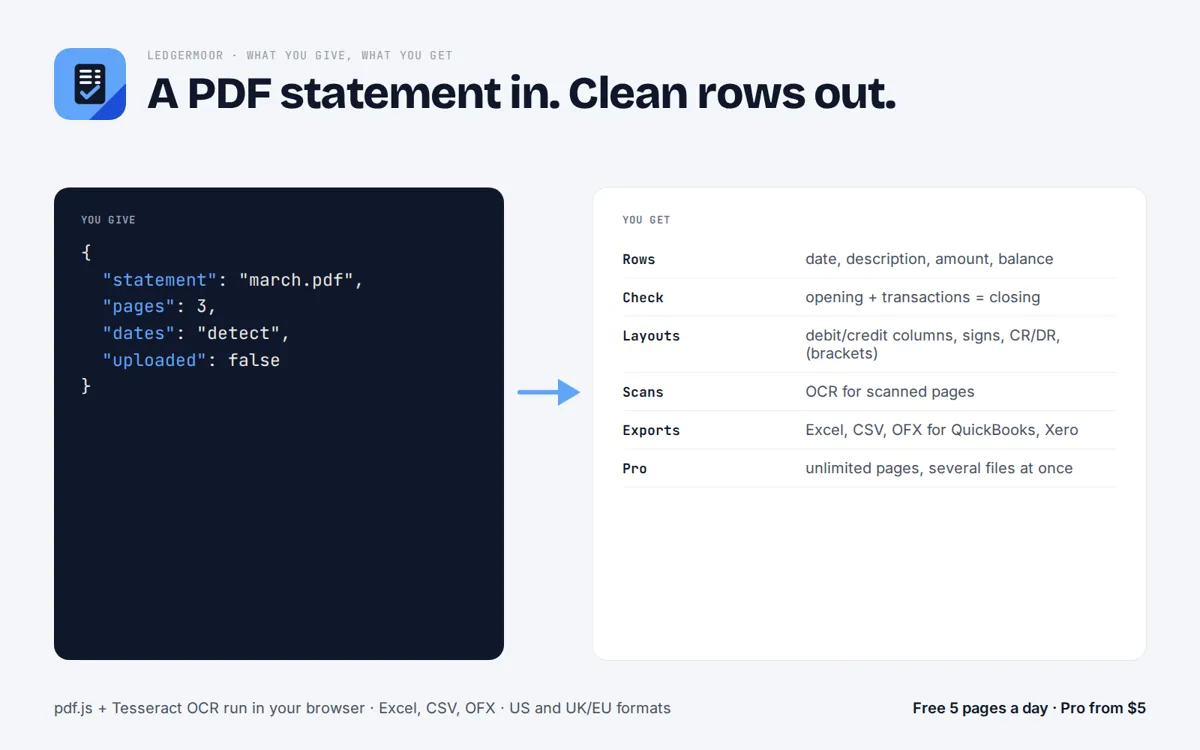
Drop a PDF bank statement: Ledgermoor reads the text with its positions (Tesseract OCR for scanned pages), finds every row that starts with a date and carries an amount, joins wrapped descriptions, works out money in and out, and checks that opening balance plus transactions equals the closing balance. Export to Excel, CSV or OFX. The statement never leaves your computer.
How do I convert a bank statement PDF to Excel?
Copying from the PDF breaks columns and wrapped descriptions, and most online converters ask you to upload the statement to their server. Ledgermoor reads the PDF on your own computer, finds each transaction row, works out money in and out, checks that opening balance plus transactions equals the closing balance, and gives you an Excel file.
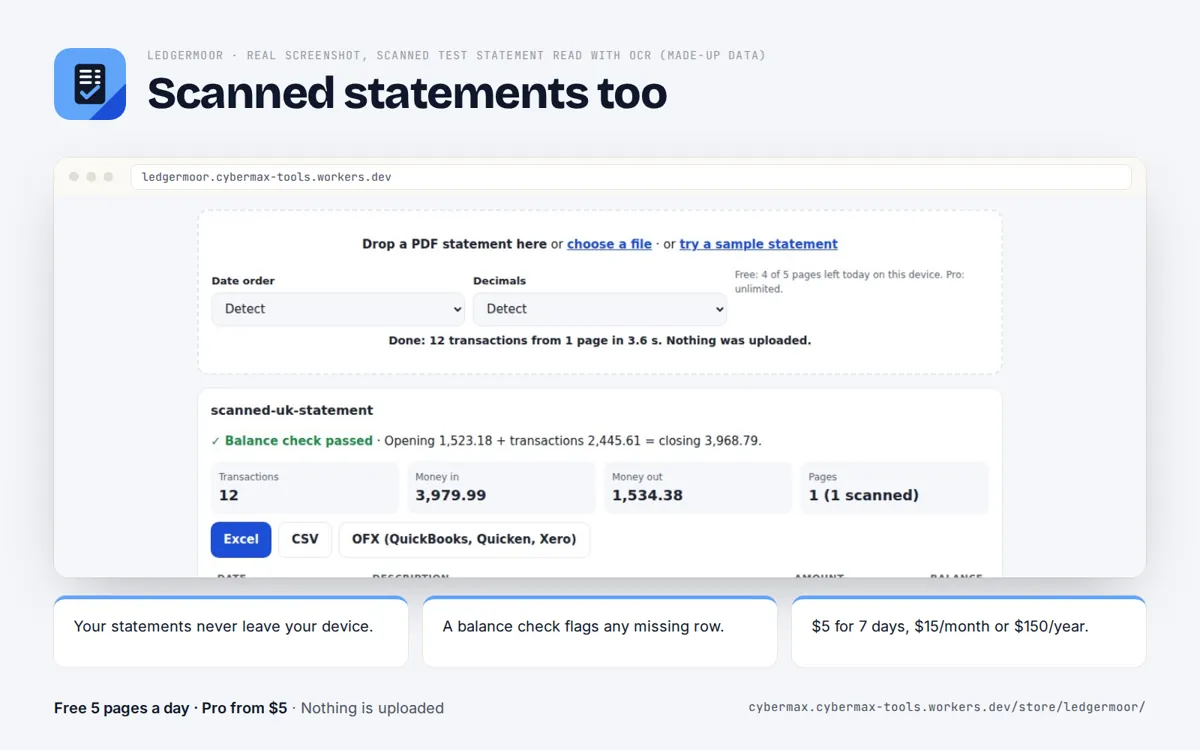
- Open Ledgermoor and drop the statement PDF (scanned statements work too, through OCR).
- Check the transaction table and the green balance check; if it fails, the gap shows where a row was missed.
- Click Excel (or CSV, or OFX for QuickBooks, Quicken and Xero).
Real screenshots
Free vs Pro
| Free | Pro | |
|---|---|---|
| Pages | 5 a day | unlimited |
| Statements at once | 1 | several |
| OCR for scanned statements | yes | yes |
| Balance check (opening + transactions = closing) | yes | yes |
| Excel, CSV, OFX export | yes | yes |
Source: Ledgermoor plans, 1 Oct 2026.
Why copy and paste from a PDF statement goes wrong
A bank statement PDF stores text as positioned fragments, not as table cells. Pasting into Excel puts dates, descriptions and amounts in one column, splits long descriptions over two rows, and loses the sign of debits shown in a separate column or with CR/DR.
Ledgermoor reads each fragment with its position, keeps rows that start with a date and carry an amount, joins wrapped descriptions back to their row and works out the sign from separate columns, minus signs, CR/DR, brackets or the running balance.
Check the numbers before they reach your books
The balance check adds every transaction to the opening balance and compares the result with the closing balance printed on the statement. A pass means no row was missed or doubled; a fail shows the difference, so you can find the row.
For month-end, convert each account, check that every statement passes, then import the CSV or OFX into your accounting software.
Scanned and photographed statements
Image-only PDFs go through OCR (Tesseract) in the browser. OCR is slower and less certain than text PDFs, which is exactly why the balance check matters there.
Ledgermoor vs the alternatives
Published prices, each checked on the date shown; prices change, so confirm on each site.
| Product | Price | Free | Checked |
|---|---|---|---|
| Ledgermoor Pro | $5 for 7 days; $15/month; $150/year (no page caps) | 5 pages a day, nothing uploaded | live |
| DocuClipper | $20.30/month billed yearly for 60 pages a month; 640 pages $111.30/month | not stated on the pricing page | 2026-10-15 |
| CapyParse | Starter $24/month or $290/year for 150 pages a month; packs from $5 for 20 pages | 10 free pages | 2026-10-15 |
| ConvertMyBankStatement | $19 once for 400 pages; Starter $10/month for 400 pages a month | not stated | 2026-10-15 |
| Suparse | Standard $11/month for 100 pages; Business $76/month for 1,000 | 50 pages one time | 2026-10-15 |
Why teams pick Ledgermoor
- Statements stay on your device: nothing is uploaded to a converter's server.
- A balance check on every statement, so a missed row shows up before it reaches your books.
- No page caps on Pro; the $5 pass covers a whole week of month-end work.
- Excel, CSV and OFX in one click; US and UK/EU date and number formats.
How it works
- Drop the statement PDF (scans work too).
- Check the transaction table and the balance check.
- Export to Excel, CSV or OFX.
FAQ
Is there a free bank statement PDF to Excel converter?
Yes. Ledgermoor converts 5 pages a day free, one statement at a time, with the balance check and all three export formats.
Which banks work?
Any statement where transactions are rows with a date and an amount. US and UK/EU number and date formats are handled; if the balance check fails, you see where.
Is my statement uploaded?
No. The PDF is read in your browser and never sent to a server. That also means it works on statements you are not allowed to share.
Why not DocuClipper?
DocuClipper is a cloud service: you upload statements, and its entry plan is $20.30/month billed yearly for 60 pages (15 Oct 2026). Ledgermoor keeps files on your device, with no page caps on Pro.
Can I import the result into QuickBooks or Xero?
Yes: export OFX, which QuickBooks, Quicken and Xero import, or CSV for anything else. Always review the rows first.
Is this accounting advice?
No. Ledgermoor is a file converter; check the output before you rely on it.