Product photos on a white background, sized for every marketplace
Drop your product photos: Snipbare removes the background in your browser (the photos are never uploaded) and Snipbare Studio lays each one out for the store you sell on, white background, centred, with a soft shadow, at the sizes Amazon, eBay, Etsy, Shopify and Instagram use, plus a transparent PNG. Batch a whole shoot and download one ZIP.
How do I put a product photo on a white background?
Remove the background, then place the product centred on pure white at the size your marketplace asks for. Snipbare does both in the browser: the AI cut-out runs on your device (the photo is never uploaded), and Snipbare Studio lays each photo out at Amazon, Etsy, eBay, Shopify and Instagram sizes with a soft shadow.
- Shoot the product in even light on any plain surface.
- Drop the photos into Snipbare; the background is removed in your browser.
- In Studio, tick the marketplaces you sell on and download one ZIP with every size.
Real screenshots
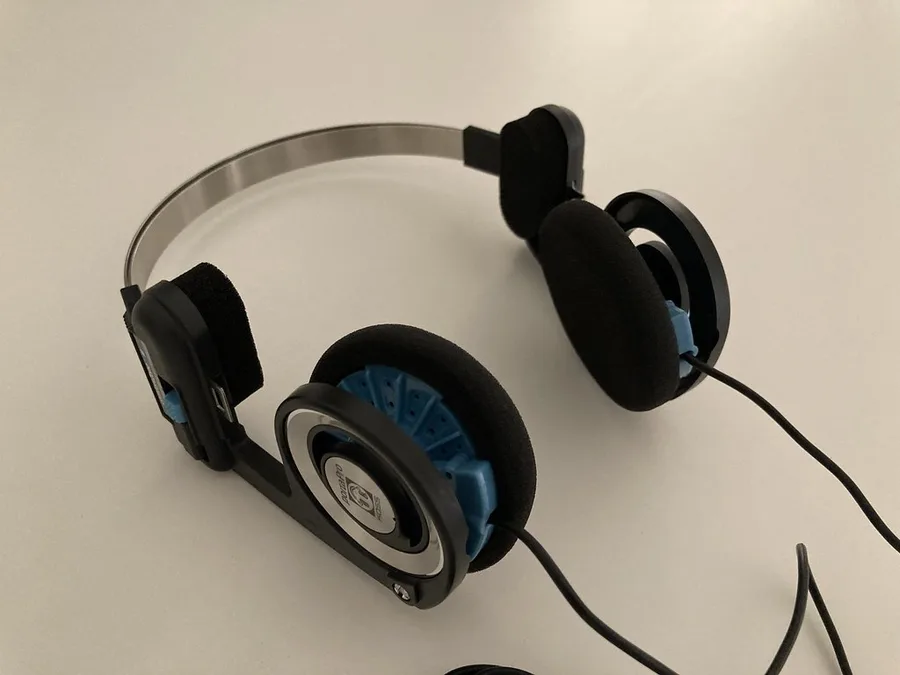
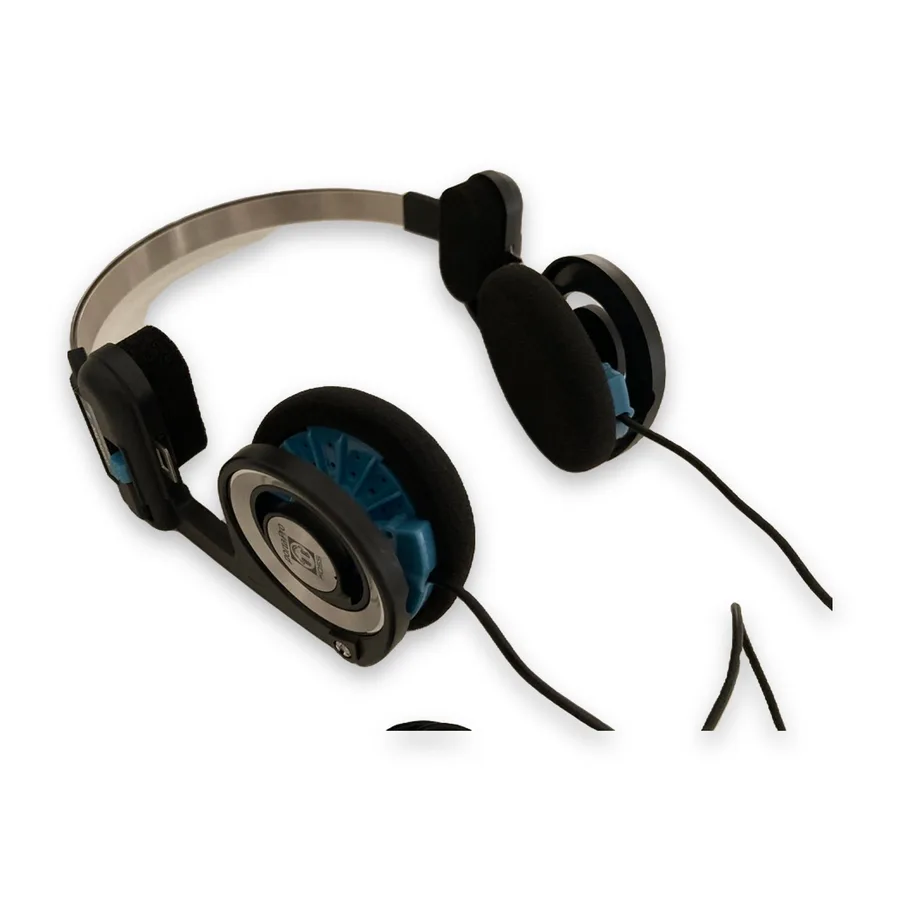
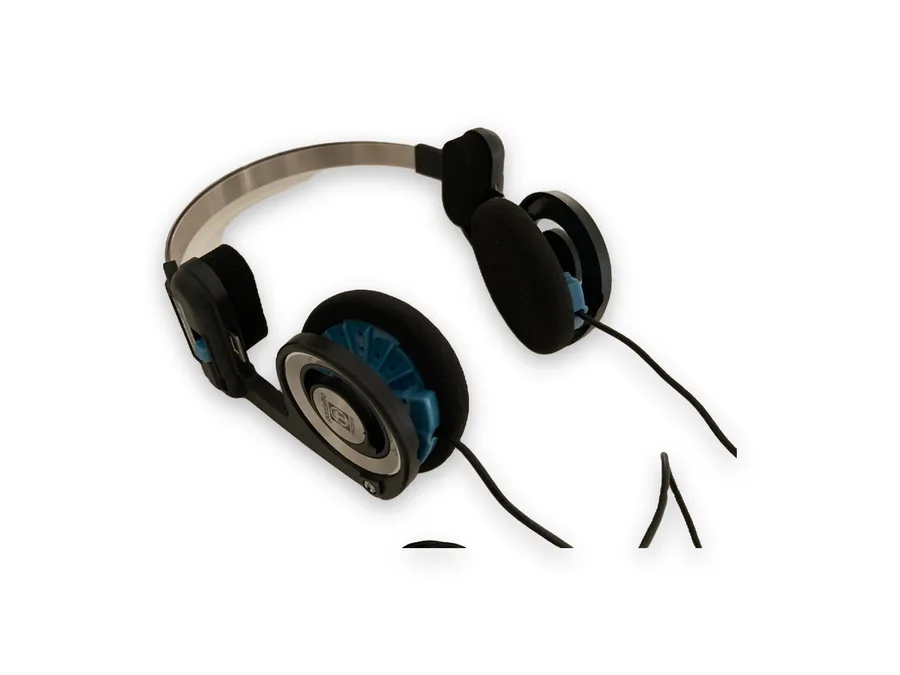
The marketplace presets
| Preset | Size (px) | Background | Product fills | Format |
|---|---|---|---|---|
| Amazon main image | 2000 x 2000 | white | 85% | JPG |
| eBay | 1600 x 1600 | white | 85% | JPG |
| Etsy (4:3) | 3000 x 2250 | white | 80% | JPG |
| Shopify (square) | 2048 x 2048 | white | 82% | JPG |
| Instagram post (4:5) | 1080 x 1350 | white | 78% | JPG |
| Transparent PNG | 2000 x 2000 | transparent | 90% | PNG |
Source: Snipbare Studio presets (sizes follow each marketplace's published photo guidance), 1 Oct 2026. Free: background removal, batch and ZIP unlimited, 3 Studio photos a day.
What the marketplaces ask for
Amazon's main image rule asks for the product on a pure white background, filling most of the frame; Snipbare's Amazon preset makes a 2000 x 2000 JPG with the product at 85%.
Etsy shows listing photos at 4:3, so its preset is 3000 x 2250; eBay 1600 x 1600, Shopify 2048 x 2048 and an Instagram 4:5 post at 1080 x 1350. Check each marketplace's current photo rules for your category.
Get a clean cut-out
Shoot on a plain surface that contrasts with the product, in soft even light, with the whole product in frame.
Pick the Best model for products and objects; Fast is tuned for people. Shiny, transparent or very thin parts (glass, wire) are the hardest; check the edges before you list.
Snipbare Studio vs the alternatives
Published prices, each checked on the date shown; prices change, so confirm on each site.
| Product | Price | Free | Checked |
|---|---|---|---|
| Snipbare Studio | $9/month; $79/year; $9.99 for a 30-day pass (unlimited photos) | Background removal + 3 Studio photos a day | live |
| Photoroom | Pro $7.50/month billed yearly; Max $20.99/month billed yearly | free plan | 2026-10-15 |
| remove.bg | Pay as you go: 3 credits $3; subscription 40 credits $9/month | free previews | 2026-10-15 |
| Pixelcut | Pro $10/month ($8/month billed yearly); Business $30/month | free plan, limited background removal | 2026-10-15 |
Why teams pick Snipbare Studio
- Photos stay on your computer: the background-removal model runs in your browser.
- One drop gives every marketplace size at once, not one export per store.
- A flat price instead of per-image credits: remove.bg's 40 credits cost $9/month (15 Oct 2026); Studio is unlimited for $9/month.
- Batch a whole shoot into one ZIP.
How it works
- Open Snipbare and drop your product photos.
- Pick the marketplaces you sell on; Studio lays out each photo with a soft shadow.
- Download the ZIP and upload to your listings.
FAQ
Is there a free way to put a product photo on a white background?
Yes. Snipbare removes backgrounds free, in batches, with a white or transparent background, and includes 3 Studio marketplace photos a day.
Does it meet Amazon's white-background rule?
The Amazon preset makes a 2000 x 2000 JPG with the product centred on pure white, filling 85% of the frame. Check Amazon's current rules for your category.
Are my photos uploaded?
No. The model is downloaded to your browser once and runs on your device.
Why not remove.bg?
remove.bg is excellent and charges per image (3 credits $3, or 40 credits for $9/month on 15 Oct 2026). Snipbare runs on your device, so it can charge a flat price with no per-image limit.
Why not Photoroom?
Photoroom has far more editing features and its Pro plan is $7.50/month billed yearly. Choose Snipbare for clean marketplace photos with nothing uploaded and no credits to track.